clir Voice · Podcasting
Can You Record a Good Podcast with Just an iPhone?
Check your iPhone microphone, room noise and echo, then plan local guest recordings and simple podcast editing. Decide what your first setup really needs.
Before buying a microphone, record a minute of yourself speaking in the room you plan to use. Listen back on headphones. A steady hum, a hollow room sound or a distant voice will tell you what needs attention.
The iPhone already has a good built-in microphone for speech. The room, the phone's position and the microphone it actually uses deserve a check before you spend money.
Make sure you're using the iPhone's microphone
Disconnect AirPods, Bluetooth headsets and other Bluetooth accessories before recording. For a built-in-mic test, turn Bluetooth off in Settings and unplug any wired headset or external microphone too. This removes the chance of accidentally recording through a headset mic.
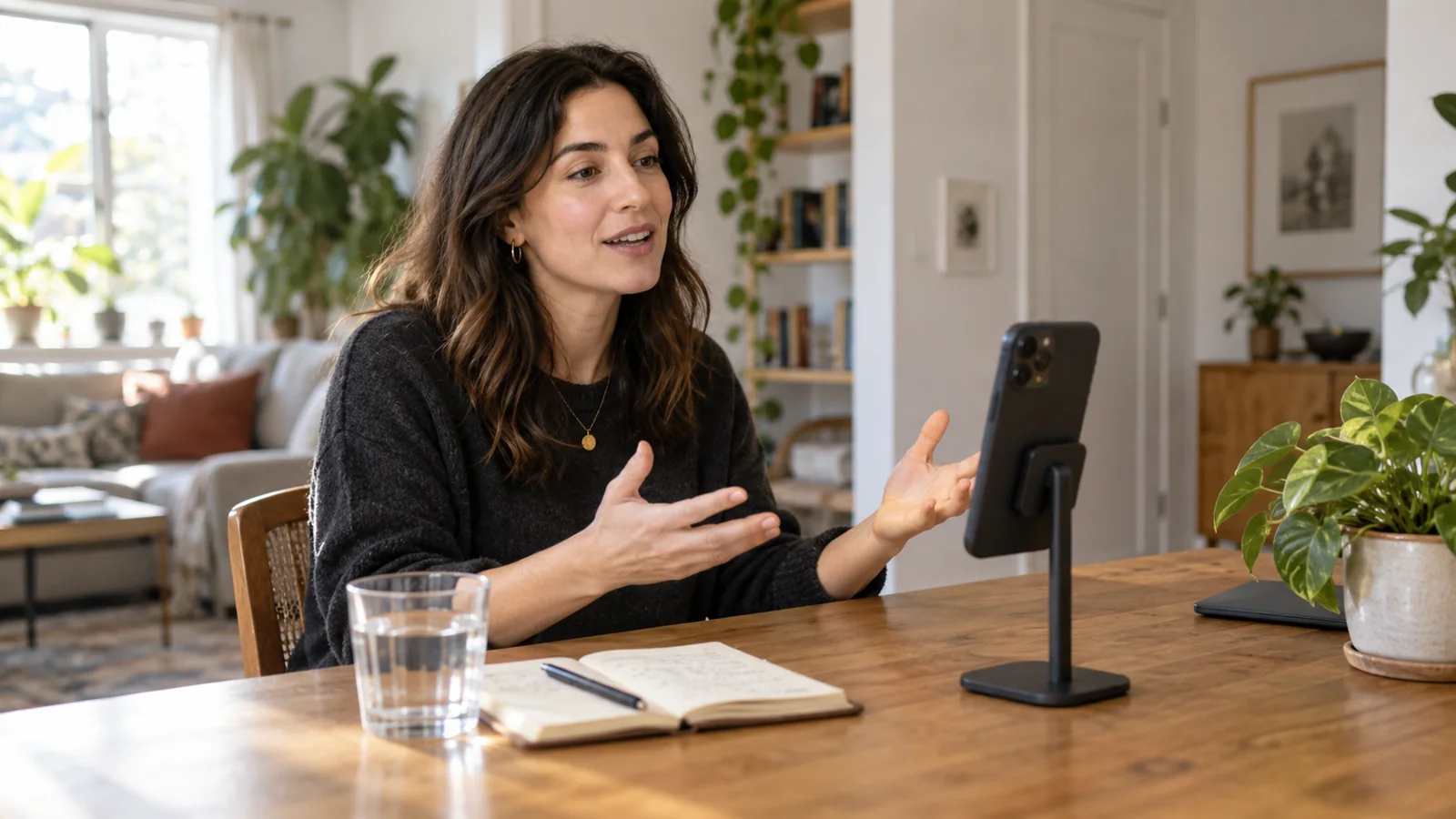
Put the phone on a stable support, keep its microphones clear of hands and fabric, and speak toward it from about a handspan away. Adjust the distance if louder words sound rough or your breath hits the mic.
Connect headphones afterward to listen to the test. They make background noise and room reflections much easier to hear than the phone speaker alone.
Listen for the two biggest room problems
A steady hum or hiss. Leave a few seconds of silence in your test. Listen for the fridge, fan, AC, open window or computer. Switch off what you can for the take, or move farther from it. If you unplug a fridge briefly, set a reminder to reconnect it afterward.
Echo or reverberation. Listen to the end of a sentence. If it hangs in the room or the whole voice sounds hollow, try a carpeted room with curtains and soft furniture. A blanket beside or behind you can help in a bare space. Move the phone closer and repeat the same sentence.
The three common video audio mistakes apply to podcast recordings too.
Match the setup to the conversation
| Format | What to make sure of |
|---|---|
| Solo episode | The phone stays close to your mouth while you talk naturally and glance at your notes. |
| Two people in one room | Use two close microphones, one per person, so neither voice sounds distant. |
| Remote interview | Each person records their own voice locally and sends the original file afterward. |
For two people, two phones can give you a separate recording for each speaker without buying microphones. Put each phone close to its speaker and clap once at the start so the sound appears in both recordings. Line up those claps in your editor. Keep each person's track lined up when making cuts.
For a remote interview, ask the guest to use a good microphone close to their mouth, or a nearby phone's built-in mic. Have them check for hum and echo too. Both people should wear headphones for the call to keep its sound out of the local recordings. Keep the call recording as a reference for lining up the files; a separate track saved by the host can still contain audio received over the internet.
Try cleanup if the recording still needs it
For a free first option, try Apple's Enhance Recording in Voice Memos. Listen to the result and check the file you export.
For more extensive cleanup, clir Voice offers two approaches:
- Plus reduces background noise while keeping the recorded voice.
- Ultra also reduces room echo and rebuilds the voice with AI.
Both are subscriptions. Ultra can change a word, so check important names and numbers against the original. Choose the version that sounds clear and natural on your recording.
Edit it yourself or find someone who can
For a first solo episode, start with three jobs: trim the beginning and end, remove obvious mistakes, and make the volume comfortable throughout. Leave natural breaths and short pauses.
On iPhone, I'd start with GarageBand. Put the recording on an audio track, trim the ends, and split around a repeated or unwanted sentence so you can delete it. Listen across each join. For two speakers, keep their recordings on separate tracks and line them up before editing. Apple's region-editing guide explains those controls. Share the finished project as a Song to create an audio file.
On a computer, Audacity is a good starting point for spoken audio. Its basic editing guide covers importing, trimming and removing sections. You can leave music and extra effects out of your first episode.
If you'd rather hire someone, search for a podcast audio editor and ask for a spoken-word before-and-after sample. Offer a short paid test using your own recording. Agree whether the price includes removing mistakes, balancing speakers, reducing noise, revisions and a finished file that meets your host's requirements. Listen for natural speech and even levels when judging the test.
Check the finished file before publishing
Keep an untouched copy of each original recording. Export the edit in a format your podcast host accepts, then listen to the saved file on headphones and the phone speaker. Check the opening, an edit and the loudest passage.
Upload it as a draft and play the host's preview before publishing. Confirm that your host supports uploads from your phone if you want to keep the whole process on iPhone.
So, is the iPhone enough?
For a solo podcast, yes: an iPhone in a quiet, softly furnished room can be a good starting setup. A close microphone position and a careful headphone check matter more than buying equipment before you've heard a test.
Two people need a close microphone each. Remote guests need their own local recordings. Start with a short pilot, listen for a specific problem, and spend money only when you know what you need to improve.