

A video with distracting noise
Bring in a clip from Photos or Files, reduce noise and echo with Ultra, and save the video with the cleaned sound.
Clean up video audio on iPhone →clir Voice · iPhone & iPad
Remove background noise and echo, export cleaner video sound, and find quotes in searchable transcripts.
Works offline. Your audio is never uploaded.
For iPhone and iPad with iOS 17 or later.
Record and play audio for free. Cleanup needs Plus or Ultra; video requires Ultra.

Scan with your iPhone camera.
Listen
Press play, then switch modes.
I see a crowd in one corner of the garden, everybody standing still and looking up.
The recording as it was captured.
Rebuilt by AI. It can occasionally change a word, so check what matters against the original.
Loading samples.
Voices from LibriSpeech, by Vassil Panayotov, Guoguo Chen, Daniel Povey and Sanjeev Khudanpur, from LibriVox audiobooks. CC BY 4.0. Background sound and room echo were added for these demos. The enhanced versions were processed with clir Voice’s models. These are the same samples used in the app.
For content creators
Bring in a clip from Photos or Files, reduce noise and echo with Ultra, and save the video with the cleaned sound.
Clean up video audio on iPhone →Record close to the mic, then compare cleanup on the passage that needs help. Keep your original alongside the result.
Choose a repair for your recording →Search the transcript and jump to the spoken moment. Keep a marker for the passage you want to check or use in your next piece.
Find your next idea in an interview →
01 / Plus
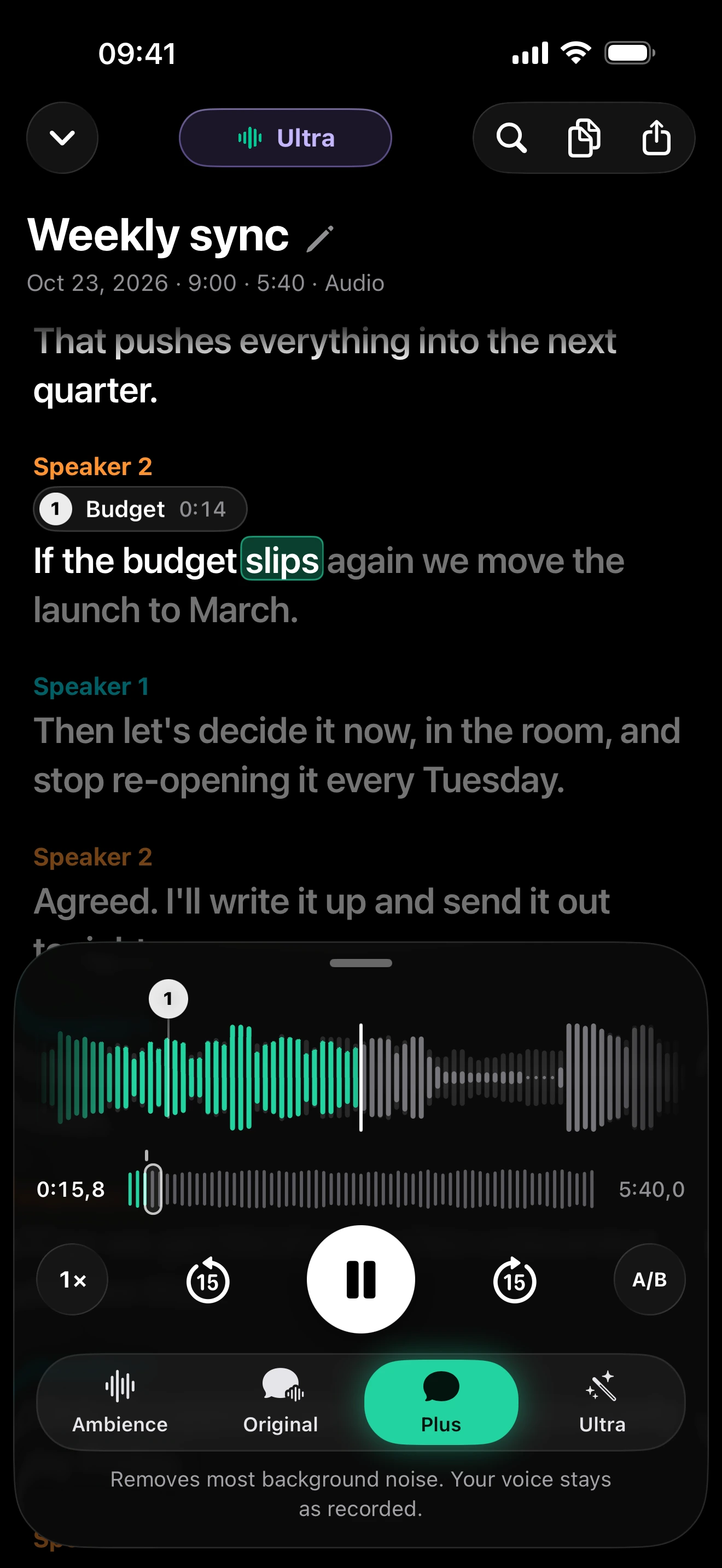
Plus removes background noise from cafés, traffic, wind and rooms. The voice stays as recorded.
It still sounds just like you.
Five ways to repair a recording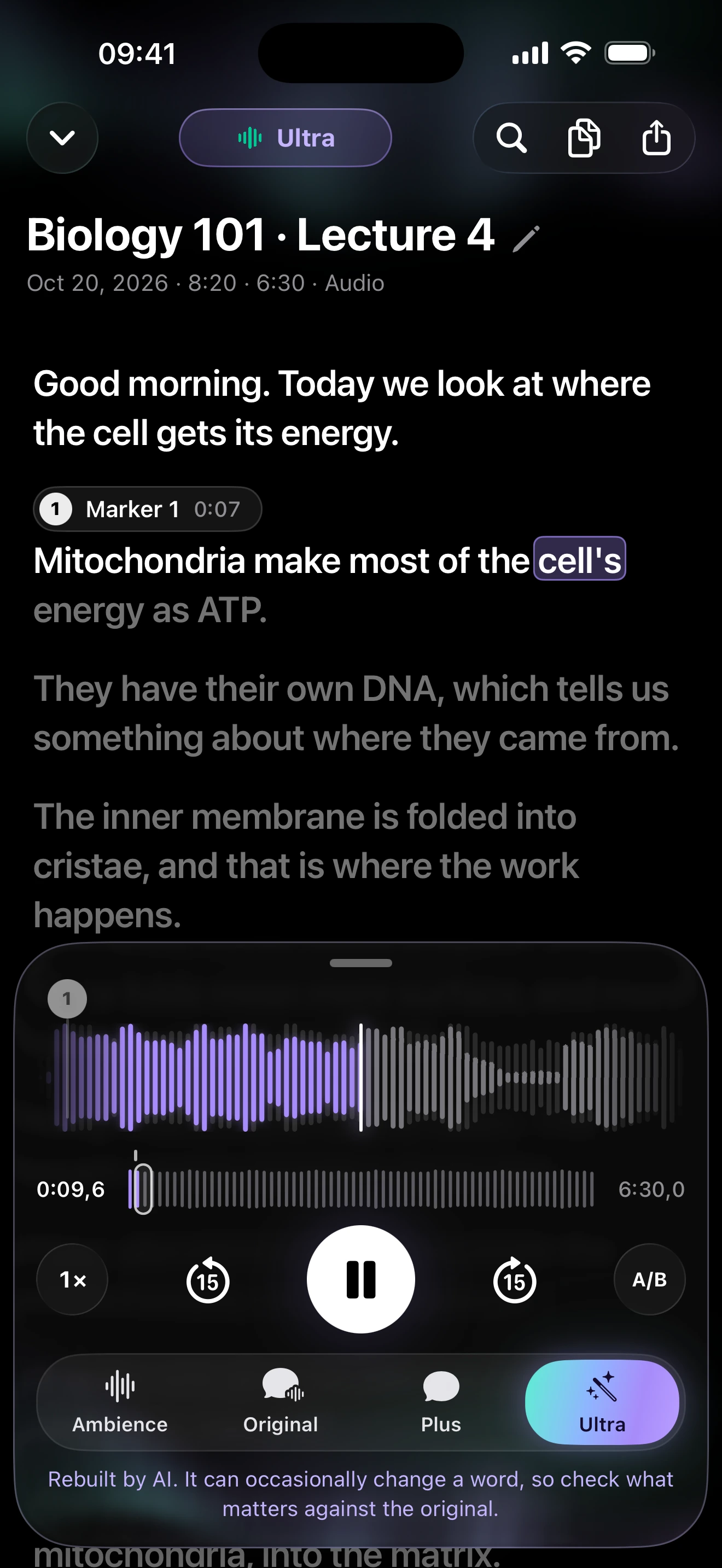
02 / Ultra
Ultra removes background noise and reverb or echo, then rebuilds the voice with AI for studio mic sound.
For echoey rooms, distant speakers and audio you want to publish.
AI voice reconstruction can occasionally change a word. Check what matters against the original.
03 / Video · Ultra
Import a video clip, clean up its sound with Ultra and export the video ready to post.
Bring in recordings from Voice Memos, messaging apps, Files or your camera roll.
Follow the iPhone video walkthrough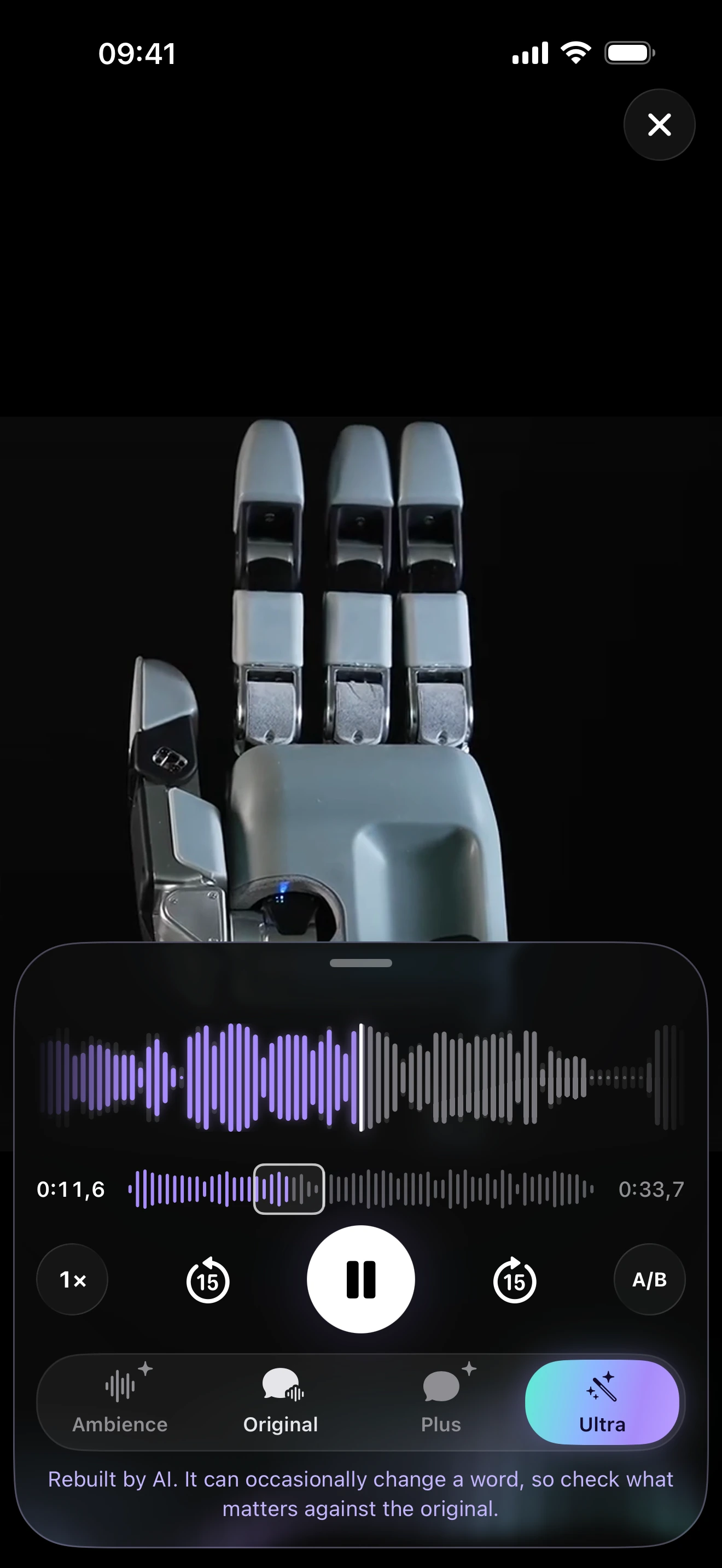
04 / Transcription
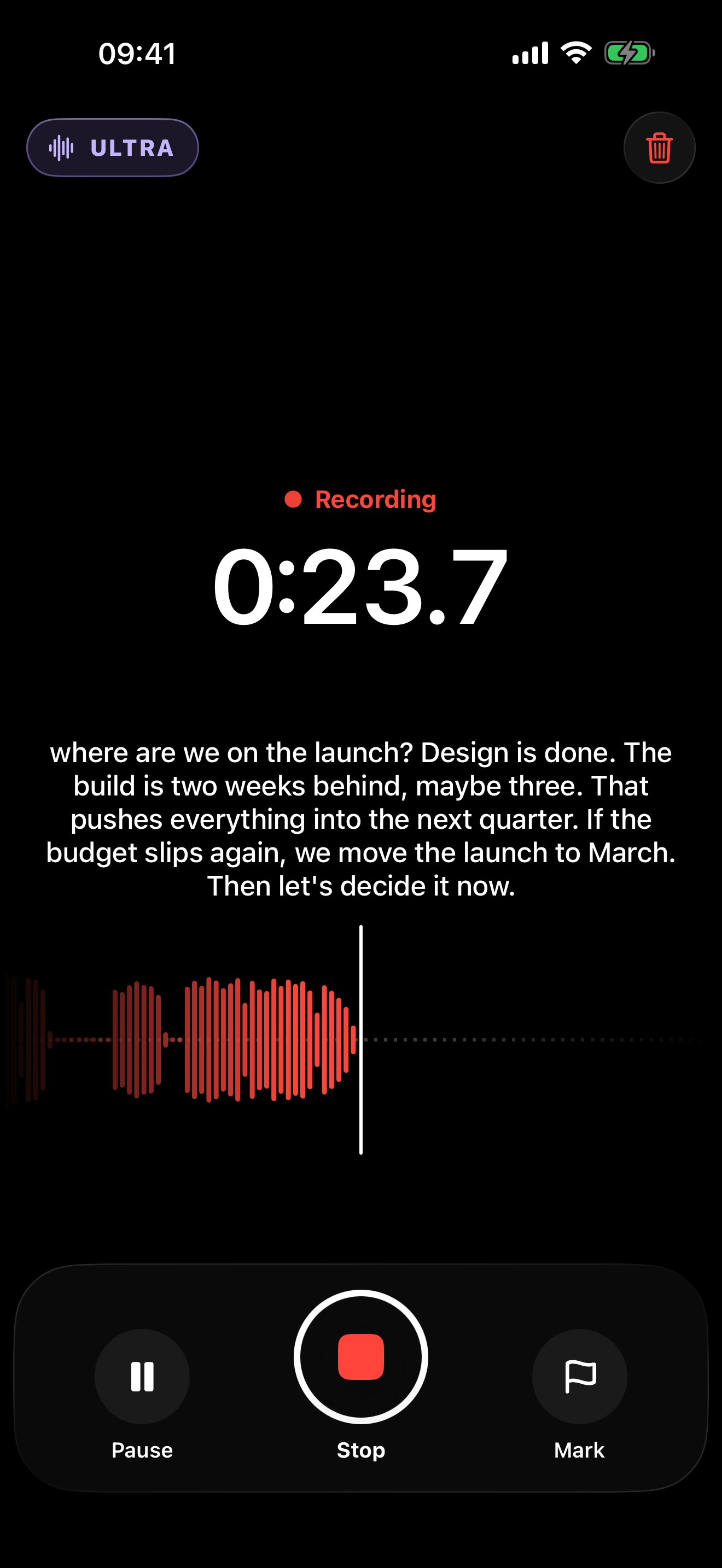
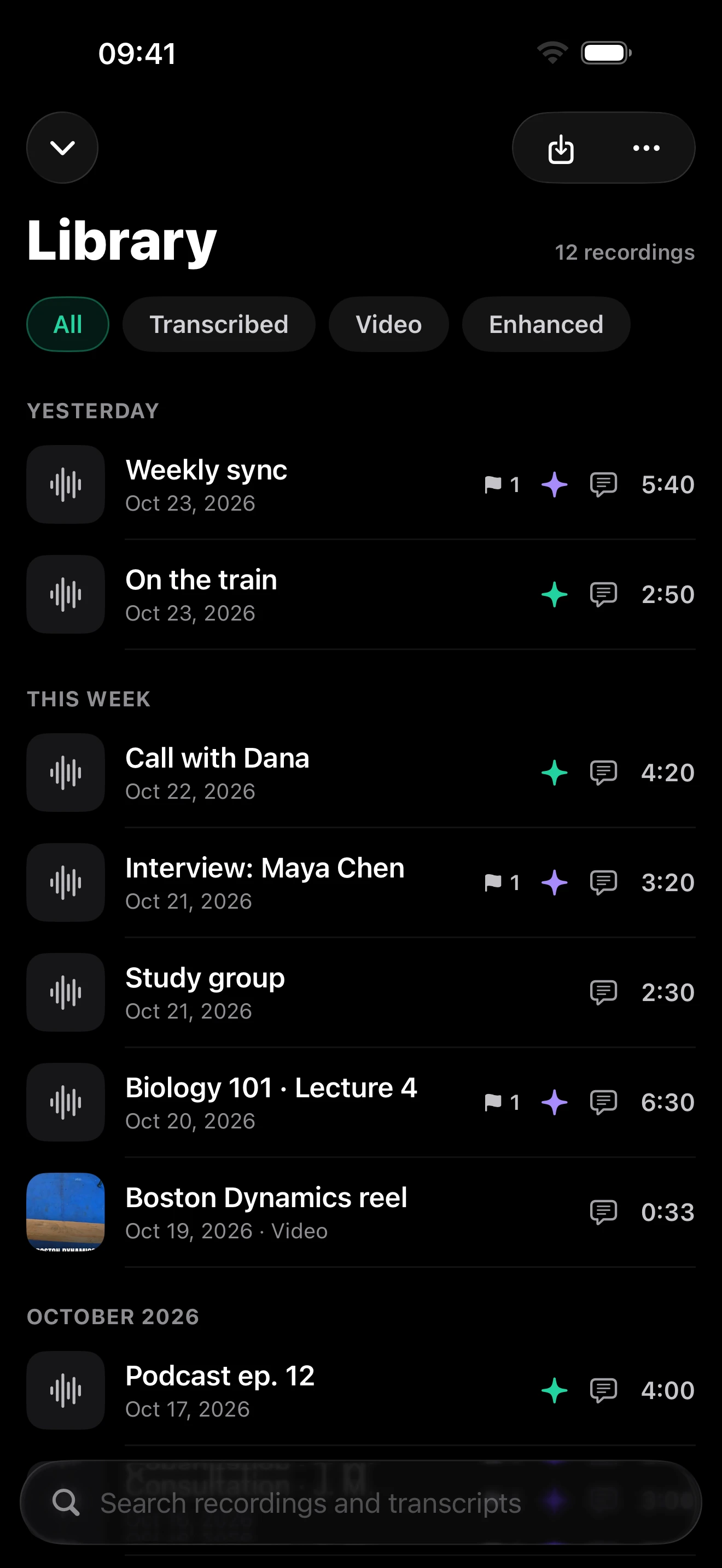
Follow live captions while recording. Get a full transcript with speaker labels so you can see who said what.
Search across all your recordings. Tap a word in the search results to jump to that exact second.
Turn an old interview into a new video ideaGet AI summaries with key points and action items, on your device.
Summaries require an Apple Intelligence-compatible device.
Multilingual
transcription.
English, German, French, Spanish,
Italian, Dutch and Portuguese.
Or use Automatic.
05 / On your iPhone
Noise removal and transcripts run on the iPhone. Your audio is never uploaded.
Works offline, even in flight mode.
Download the speech and sound models once.
A few details
clir Voice requires iOS 17 or later on iPhone, or iPadOS 17 or later on iPad. Plus and Ultra are subscriptions. Video import, cleanup and export require Ultra. Ultra needs more working memory than Plus and can be unavailable on devices with insufficient memory. Try the available preview on your own device before choosing a plan.
Record, import and play audio, and preview the enhancements. Plus and Ultra are subscriptions.
Plus removes background noise and keeps the voice as recorded. Ultra also removes echo and rebuilds the voice with AI. Cleaning and exporting video sound is an Ultra feature.
Noise removal and transcription run on your device. Download the models once, then record, clean up and transcribe offline. Account sign-in, purchases and model downloads need a connection.
Yes. The original recording stays available. Compare it with the enhanced version in the player.
Record on Apple Watch. The recording transfers to your iPhone for transcription and, with Plus or Ultra, audio cleanup. Your watch can also start, mark and stop a recording on your iPhone and show live captions.
clir Voice
For iPhone and iPad. Plus and Ultra are subscriptions.